I've spent the past weeks building lans.cloud: a collection of 37 free, single-purpose web tools. No accounts, no installs, no "start your free trial" — you open a page, it does one thing well, and it does it instantly.
This week it launched on Product Hunt, so it's time for the proper tour.
The promise that started it all
Picture a teacher putting a countdown timer on the classroom projector — and a banner ad flashing next to it in front of thirty kids. That's the moment lans.cloud exists to prevent.
Every presentation-style tool on the site has a genuinely ad-free fullscreen mode. One click, and it's just the tool on the smartboard. No banners, no popups, ever. Ads exist only on the regular pages — that's what keeps everything free — but never on the screen your audience is looking at.
The second promise is privacy by architecture, not by policy: everything computes in your browser. Class lists, student names, word lists — none of it ever reaches a server, because there is no server code that could receive it. The only thing the backend does is count anonymous page views.
The classroom set
This is the heart of the site — tools built for the projector:
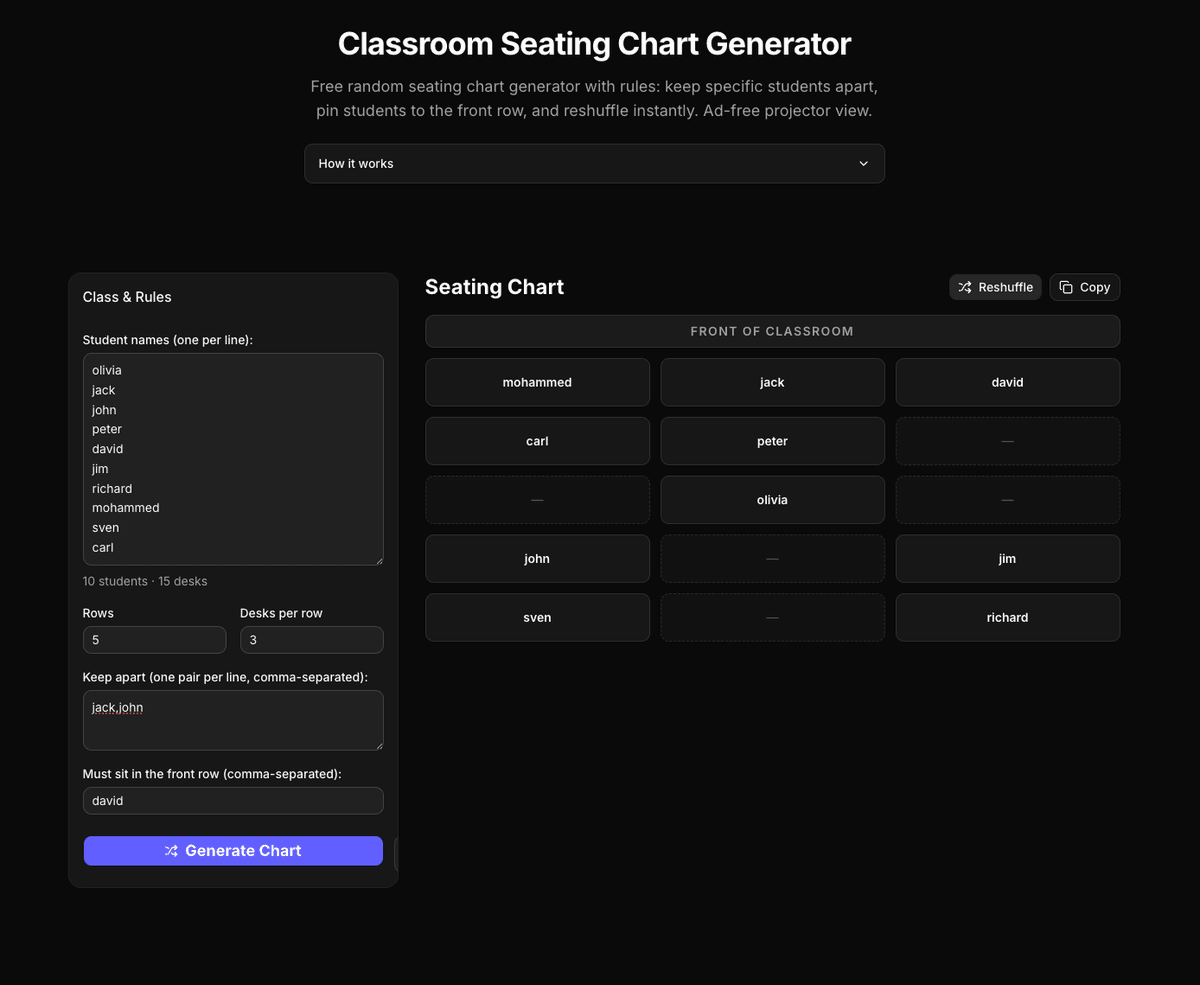
- Seating Chart Generator — the tool I'd pitch first. Mark pairs of students to keep apart (guaranteed non-adjacent, diagonals included), pin students to the front row, and reshuffle for a fresh chart that still follows every rule.
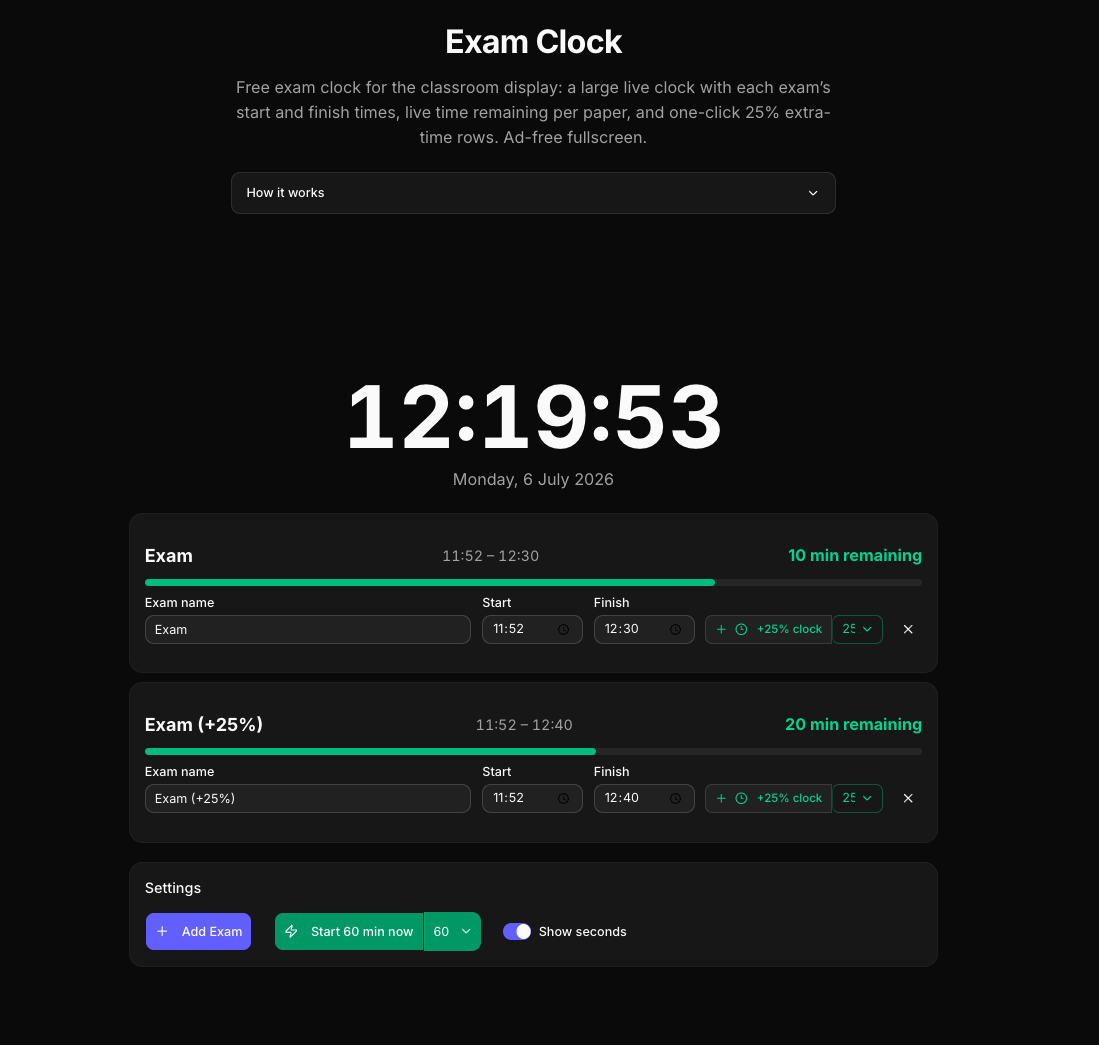
- Exam Clock — test-day wall display: big live clock, each paper's start/finish times with live countdowns, and one-click rows for 25% extra time (access arrangements).
- Classroom Timer — fullscreen countdown with presets and a gentle chime.
- Classroom Noise Meter — the room's volume as a giant traffic light, with thresholds you set per activity. Audio is reduced to a single number in-browser and discarded; nothing is recorded, ever.
- Spelling Test Practice — paste this week's list, the browser reads each word aloud, kids type it, and a "practice just the missed words" loop cleans up the gaps.
- Reading Fluency Timer — one-minute WCPM probes where you just tap the last word the student read; the score computes itself against grade-level benchmarks.
- Random Name Picker, Team Picker (with optional skill balancing), Scoreboard (with a podium mode), Spin the Wheel, and a Multiplication Timed Test that builds a drill from each student's missed facts.
Several of these — the wheel, timer, name picker, scoreboard, noise meter, exam clock and more — can be embedded directly into a class website with a copy-paste snippet, ads-free inside the embed.
The craft corner
My favorite corner of the site answers two questions every crocheter eventually asks:
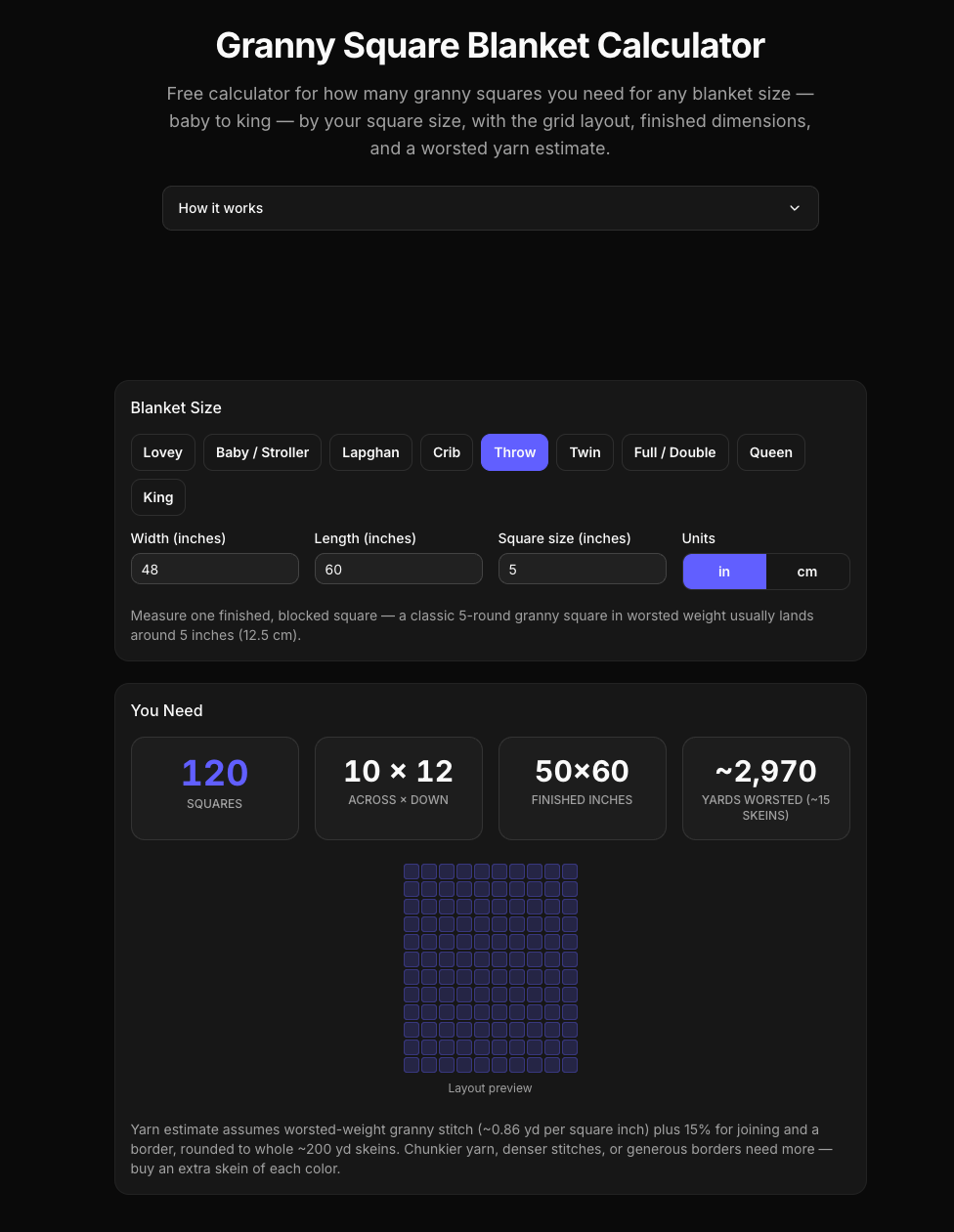
- How many granny squares for a blanket? — pick a size from baby to king, enter your square size, get the exact count, grid layout, and a yarn estimate.
- How much yarn do I need? — by project size, stitch, and yarn weight.
- Granny Square Pattern Generator — shuffle round-by-round color combos from curated palettes until one clicks, then download the chart.
For the gamers and the fans
- D&D Stat Roller — 4d6-drop-lowest with every die shown and the dropped one crossed out, the official 27-point point-buy calculator, and the exact probability of every score, enumerated from all 1,296 outcomes. (An 18 is a 1.62% chance. Now you know.)
- Dice Roller — d4 to d100 in standard notation, with the 2d6 probability chart.
- Minecraft Circle Generator — block-by-block circle charts up to 128 wide.
- Nether Portal Calculator — one that actually gets negative coordinates right (it's floor division: −15 ÷ 8 is −2, not −1 — an 8-block error in most other calculators).
- Dragon Ball Z corner: a power level calculator tuned against every scouter reading actually stated in canon, a head-to-head comparator, a Saiyan name generator that follows Toriyama's real naming rules (every Saiyan is a vegetable pun — Kakarot, carrot; Raditz, radish), and a fusion name generator that derives Gogeta from the syllable rules alone.
Fitness, focus, and utilities
- Pomodoro Timer with Rain Sounds — the rain and brown noise are synthesized live in the browser, so there are no audio files and no loop seams.
- Tabata Timer, Warmup Sets Calculator (with exact plates-per-side math), and a Random Workout Generator with 60 exercises, each with beginner-to-advanced progressions.
- The everyday drawer: JSON formatter, password generator, UUID generator, word counter, test grade calculator, Roman numeral converter, coin flip (with the streak-odds table), and more.
A small nerdy detail I'm proud of
Every tool page carries reference tables — grading charts, dice probabilities, session-length math, canon power levels. None of them are hand-typed: they're computed at build time from the same code the tool runs, so the table on the page and the tool in your hand can never disagree. If I ever typo a Dragon Ball character's name, the site literally refuses to build.
Try it, break it, tell me
Everything lives at lans.cloud. Every tool page has a feedback button at the bottom — and I mean it when I say it's read: several features (the exam clock's quick-start button, the team picker's skill-rating hint, tap-to-score in the fluency timer) shipped within a day of someone asking.
If a tool saves you time, there's a ☕ support link — but the tools are free either way, and staying that way.